Choose what to capture
Select a display, application, window or screen region. Preview the composition before you record.
SCREEN & AUDIO RECORDER · macOS
Record a lesson, a software walkthrough or your next idea. Choose a source, bring in your audio, and keep the result on your Mac.
$10.00 USD · One-time purchase · No subscription
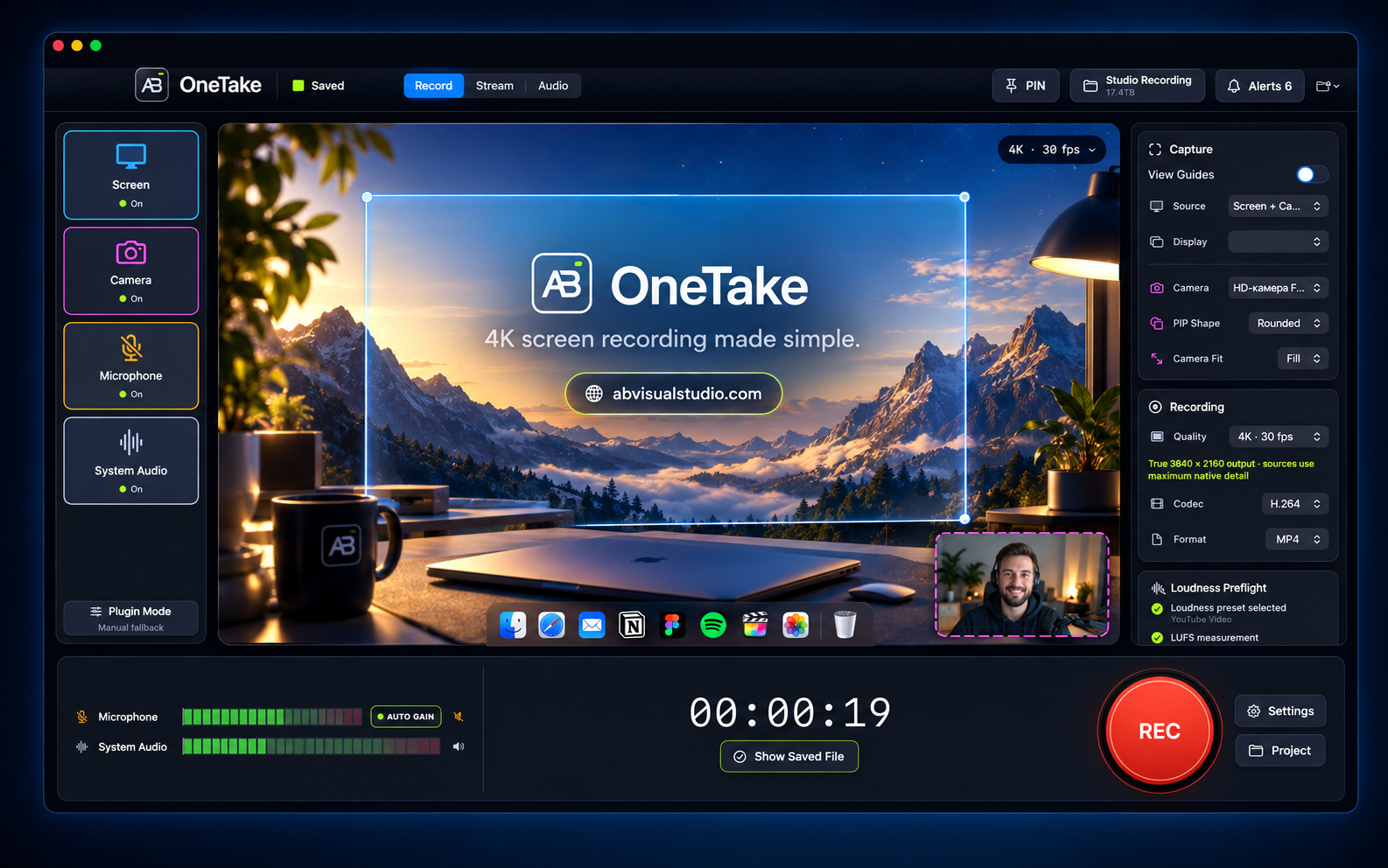
AB OneTake brings screen capture and audio into one native Mac workspace. Preview your composition, choose your recording settings and save a video file to your selected project folder. Your recordings stay in your own storage.
Select a display, application, window or screen region. Preview the composition before you record.
Capture system audio and a microphone, with level meters and recording controls in the same workspace.
Save H.264 or HEVC video in MP4 or MOV. Project folders keep recordings and recovery metadata together.
Pause a take, resume when you are ready and open the saved file after stopping.
Add a supported camera source and picture-in-picture composition. Camera permission is required.
Explore the built-in audio workspace, including microphone gate and loudness controls. Advanced routing depends on your setup.
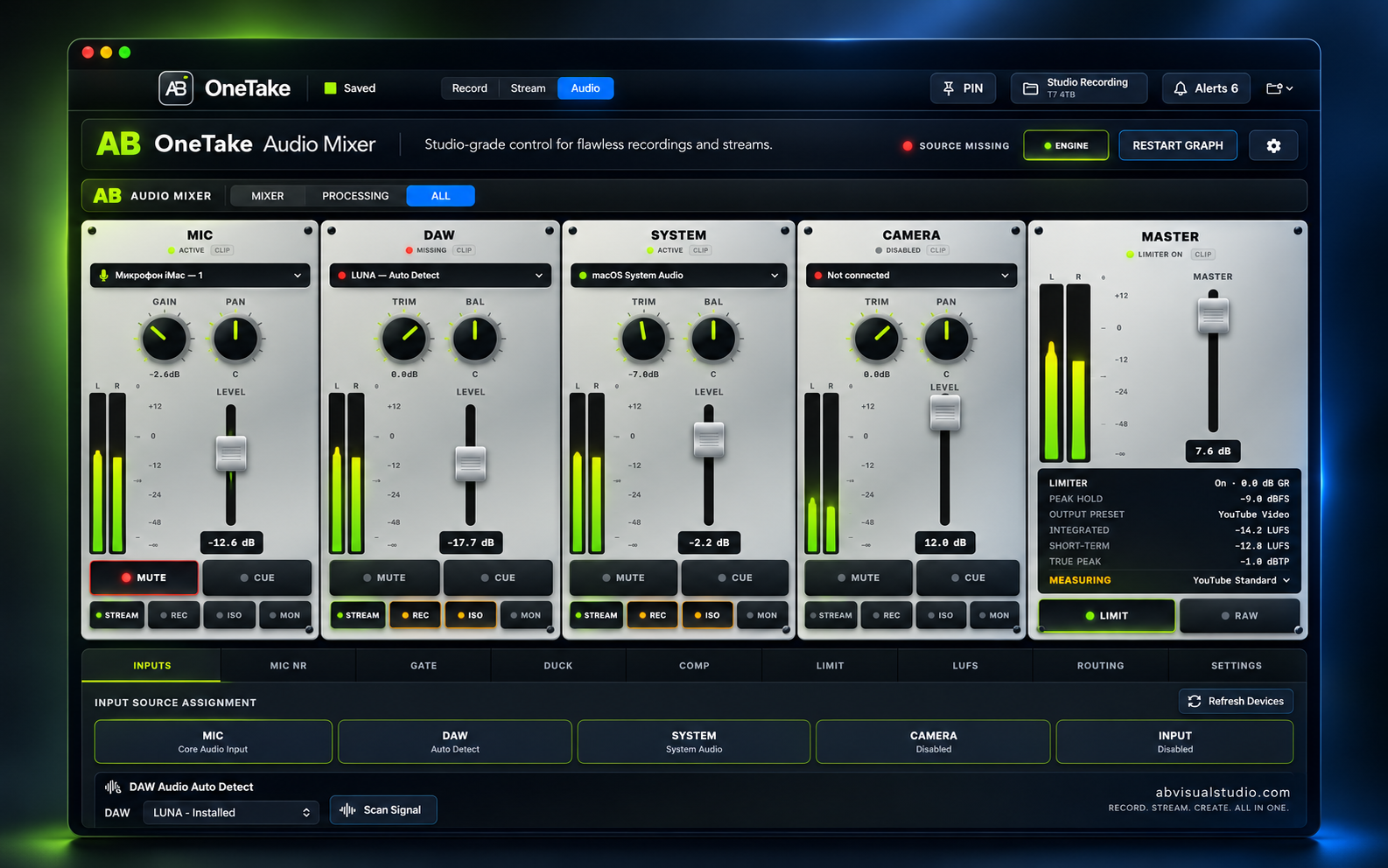
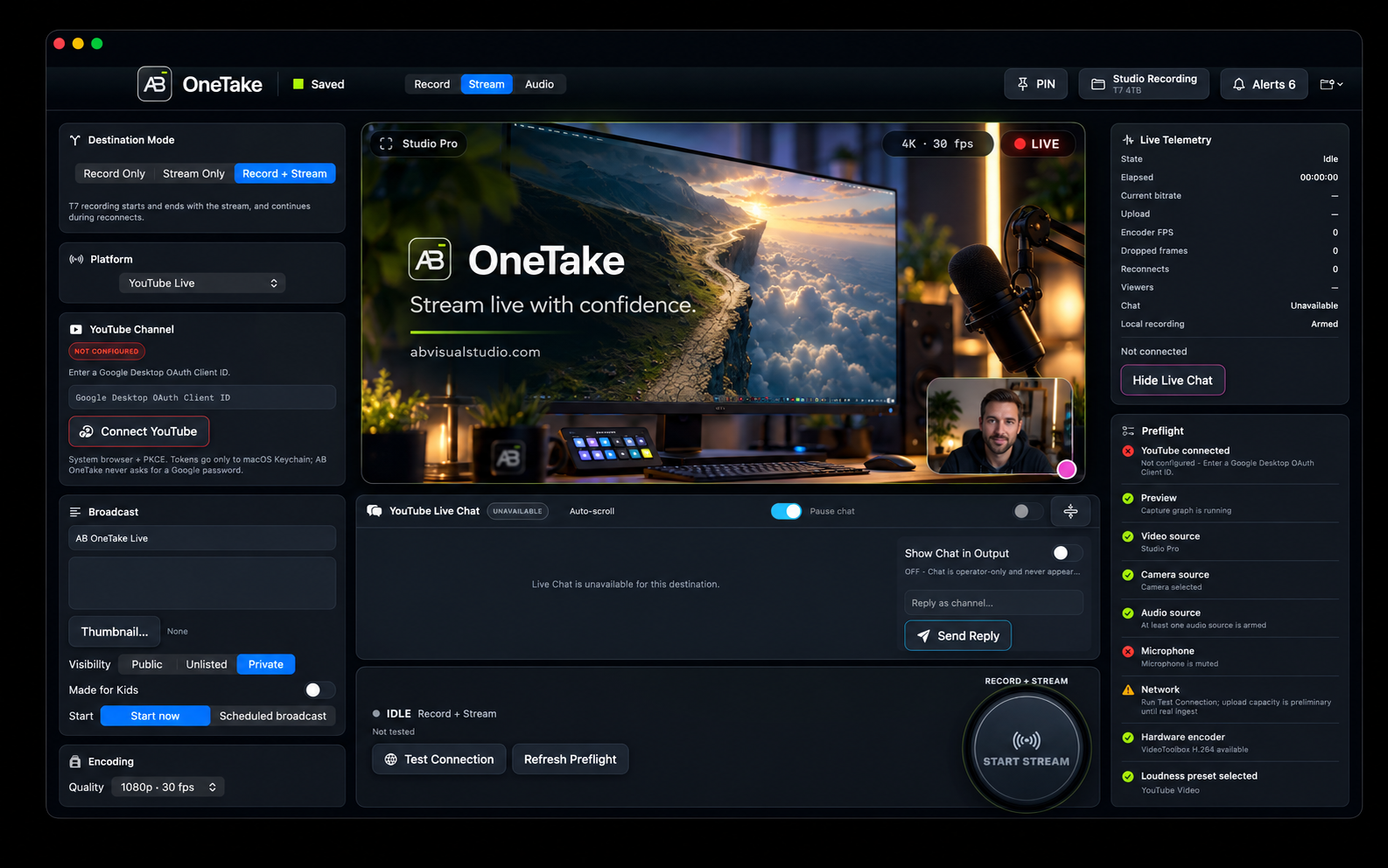
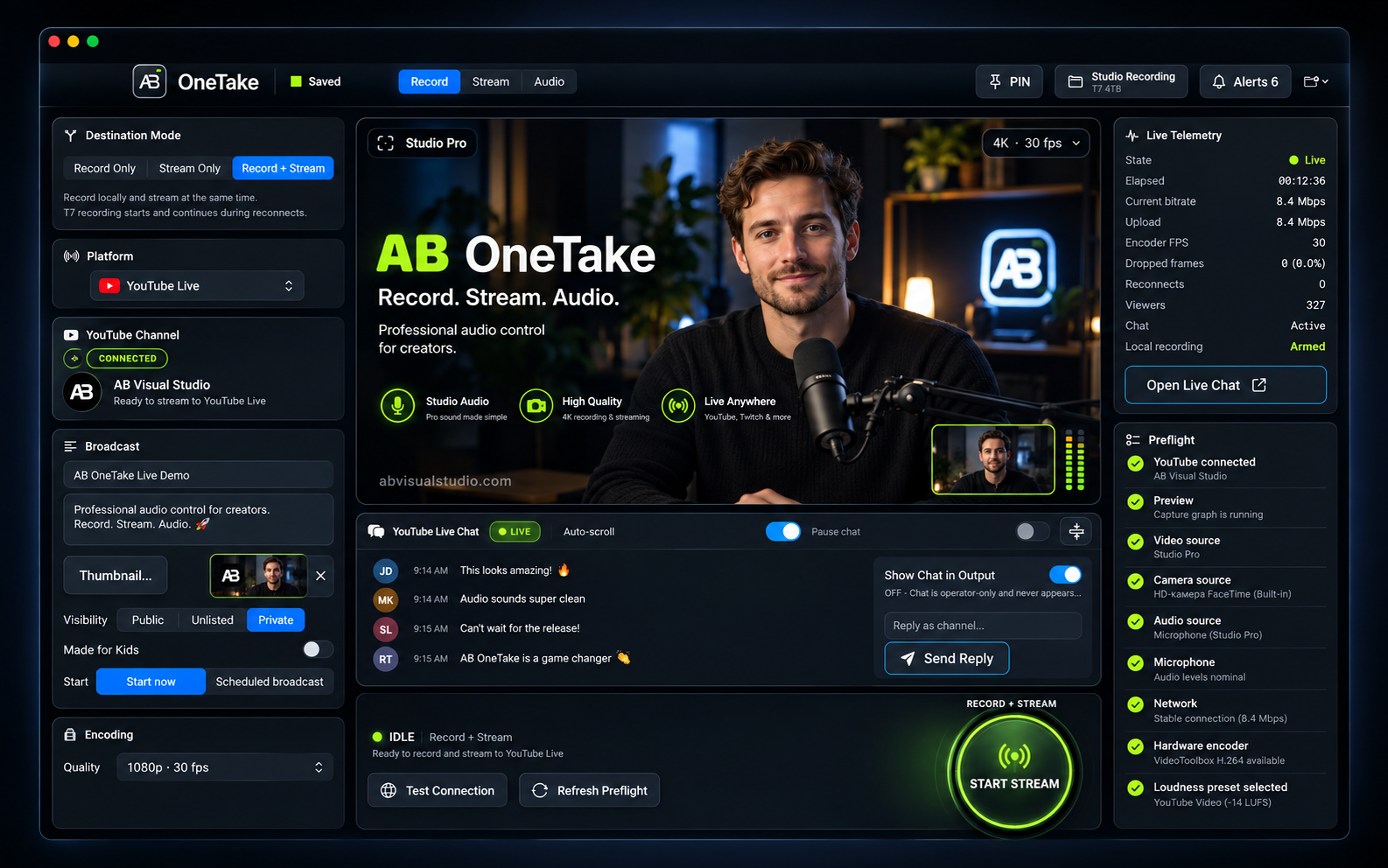
Promotional images supplied by AB Visual Studio.
macOS 14 Sonoma or later. Universal 2 application with Intel (x86_64) and Apple Silicon (arm64) slices.
Screen & System Audio Recording permission is required for screen capture. Enable Microphone and Camera permission only for the sources you use. Choose a writable local or external project folder with sufficient free space.
Screen and audio capture, camera composition, pause/resume, MP4/MOV output and project recovery metadata.
Start with short 1080p recordings at up to 30 fps. Camera, external audio devices and advanced audio routing depend on your setup.
Download the macOS Universal ZIP from your purchase receipt, extract it, move the AB OneTake application to Applications and open it. Grant permissions for your selected sources, choose a project folder and make a short test recording.
Explore every tab, set up your sources and audio, and save your first recording. 50 steps · 7:04 · 2K · English subtitles.
No. AB OneTake costs $10 USD as a one-time purchase. Applicable taxes may be shown at checkout.
The app includes microphone and system audio capture. Permissions, selected sources and device configuration affect what is recorded.
In the project folder you select. You can choose writable local or external storage and open the saved video from the app.
The macOS Universal application includes both Intel (x86_64) and Apple Silicon (arm64) architectures. Requires macOS 14 Sonoma or later.
Buy securely with Lemon Squeezy. After purchase, download the macOS Universal ZIP and Quick Start guide from your order page or receipt. This page lets you explore the interface and features.
YouTube upload is not included in this release. This page focuses on recording and saving local video.
Contact AB Visual Studio for installation or recording questions. Include the app version, macOS version and a description of the issue. Never send passwords, stream keys or private recordings.
Contact support